
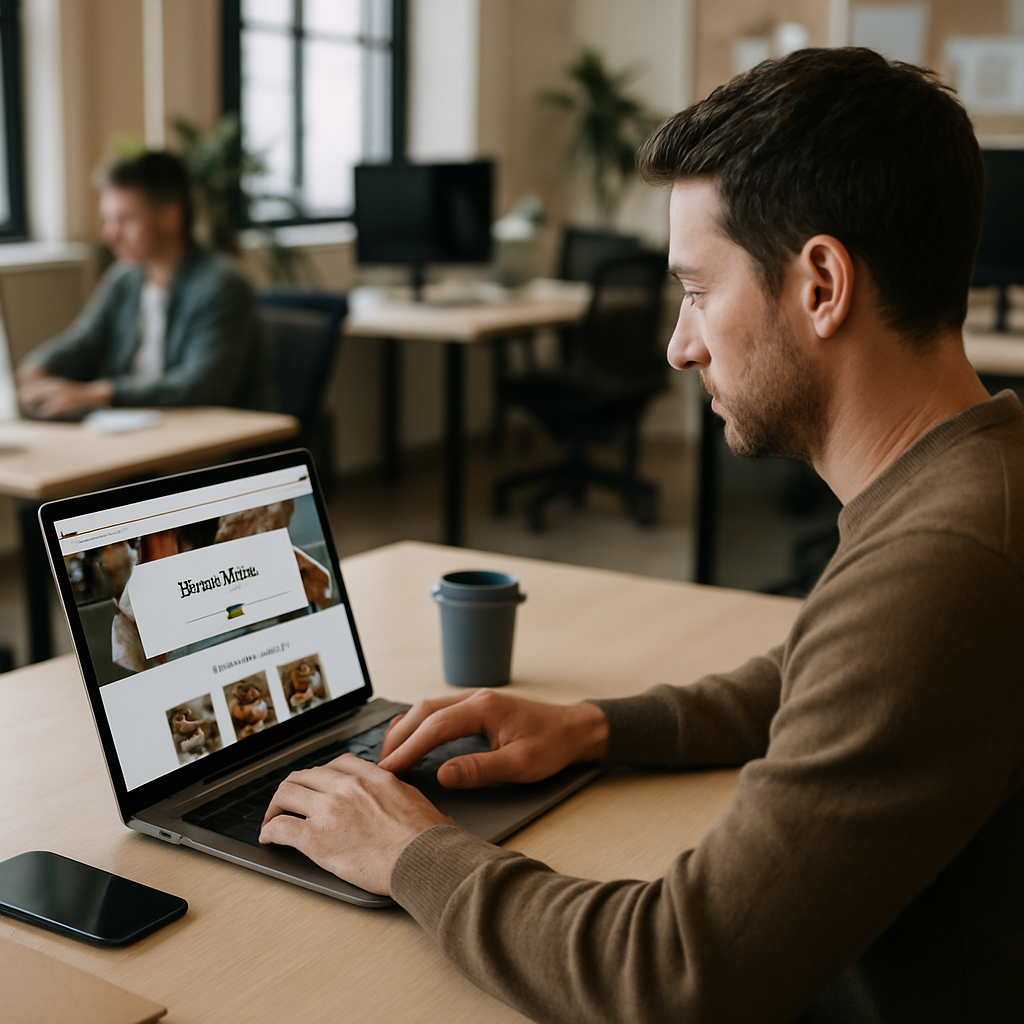
Most restaurant owners think great food sells itself. Then they wonder why their restaurant website UI design barely converts visitors into orders, while the place down the street with worse pasta is packed every Friday night.
Here’s the thing. A diner deciding where to eat tonight will spend maybe 15 seconds on your site before bouncing. If your menu loads slow, the ordering button hides, or the photos look like they were taken in 2011, they’re gone. Restaurant website UI design isn’t a vanity project. It’s the deciding factor between someone tapping "Order Now" and tapping "Back."
Let’s walk through nine UI wins I’ve seen actually move the needle for restaurants, from family taquerias to fine dining spots.
1. Lead With Food Photography That Actually Looks Edible
The hero image is your storefront. If it’s a stock photo of generic pasta or a dim phone snap of last year’s special, you’ve lost half your visitors already.
Strong restaurant website UI design opens with one large, high-quality food shot. Real food from your kitchen. Shot in good light. Ideally with steam, glisten, or texture you can almost taste through the screen.
Don’t use a slow-loading carousel of ten photos either. One hero image (or a short looping video clip under 3 seconds) outperforms slideshows almost every time.
2. Put the Order Button Where the Thumb Lives
On mobile, the bottom third of the screen is thumb territory. That’s where your "Order Online" or "Reserve a Table" CTA belongs. Sticky. Visible. Always.
A common mistake: hiding the order button inside a hamburger menu. Diners aren’t going hunting for it. They’ll just leave.
Pair the button with a contrasting color that isn’t already used elsewhere on the site. If your brand is red, make the CTA mustard yellow or deep teal. It should pop without screaming.
3. Make the Menu Scannable, Not a PDF Dump
This one drives me crazy. Half the restaurants I audit still link to a PDF menu. On mobile, that’s a pinch-and-zoom nightmare.
A proper menu UI uses collapsible categories (Appetizers, Mains, Desserts), shows prices clearly, and includes at least one photo per section. Dietary tags (GF, V, spicy) help diners filter quickly without asking the server later.
If your kitchen rotates specials, add a "Chef’s Pick" badge to two or three items. Social proof inside the menu nudges decisions, and it gives indecisive diners a default.
4. Speed Up the First Paint Like Your Sales Depend On It
They do. Google research shows mobile sites that load in under 2 seconds convert dramatically better, and bounce rates climb sharply after 3 seconds.
Compress those food photos. Use modern formats like WebP. Lazy-load anything below the fold. If your site runs on WordPress, audit the plugins (most restaurants have 20+ they don’t need).
For larger chains or growing brands, the backend architecture matters too. Pairing a fast frontend with a headless CMS setup lets you push menu updates instantly without waiting for a developer.
5. Restaurant Website UI Design That Earns Trust in Three Seconds
Trust signals do heavy lifting in restaurant website UI design. A visitor wants to know: is this place real, is it nearby, and do people actually like it?
Three things to add above the fold:
- Star rating with review count (pulled from Google or Yelp)
- Address and "Open Now / Closes at 10pm" status
- One short customer quote with a real name
Skip the generic "Award-winning cuisine since 2003." Show a Tripadvisor badge. Show a recent review with a date. Specifics beat slogans every time.
6. Streamline the Checkout to Three Taps or Fewer
Online ordering dies in checkout. I’ve watched diners build a $60 cart, hit checkout, and abandon when the form asks for too much.
Cut everything non-essential. Name, phone, address (auto-detected), payment. That’s it. Guest checkout should be the default, not a hidden option below the "create account" wall.
Apple Pay and Google Pay buttons reduce friction even further. If you can integrate them, do. Each saved tap is a percentage point of conversion.
Same principle applies to mobile apps. The push notification tactics that bring users back to your app only work if checkout doesn’t make them rage-quit once they’re there.
7. Show Reservation Availability Without Making People Click
Old-school: "Click here to reserve." Form opens. Now pick a date. Now pick a time. Now find out nothing’s available.
Modern restaurant website UI design embeds a live availability widget right on the homepage. Diner picks party size, date, and sees open slots immediately. Three taps to confirm. Tools like Resy, OpenTable, or SevenRooms make this painless to embed.
Bonus: showing limited availability ("Only 2 slots left at 7pm") triggers urgency naturally. No fake countdown timers needed.
8. Localize Hard for Search and Walk-Ins
Most restaurant traffic is local intent. Someone Googles "best ramen near me" or "Italian downtown Phoenix." If your UI doesn’t immediately signal location, you’re invisible.
Put your neighborhood and city in the hero. Add a small embedded map. Make the phone number tappable. Include directions and parking notes.
This ties into your wider SEO foundation too. The same playbook that works for local SEO tactics serving small clinics applies to restaurants: schema markup, Google Business Profile sync, NAP consistency across directories, and reviews.
A restaurant website UI design that ignores local signals leaves money on the table every single day.
9. Sweat the Microinteractions
The little details. Buttons that gently press when tapped. A subtle bounce when an item lands in the cart. A heart icon that fills smoothly when someone favorites a dish.
These tiny animations make the site feel alive and premium. They tell the visitor the brand cares about details. The same care that goes into plating a dish should go into the digital experience.
If you want to go deeper, this breakdown of microinteraction design wins covers exactly which ones move conversion. Skim it before your next redesign.
One caution: don’t overdo it. Every animation should serve a purpose. If your "Add to Cart" button does a 360-degree spin, you’ve gone too far.
A Quick Note on Accessibility
Restaurants serve everyone. Your site should too. High-contrast text, alt text on food images, keyboard navigation for the menu, captions on any video. These aren’t optional anymore in most regions.
Skipping accessibility also kills your SEO. Search engines reward sites that work for screen readers and assistive tech. It’s a win across the board.
What to Actually Do This Week
If you’re sitting on a slow, clunky restaurant site right now, here’s what I’d tackle in order:
- Compress every image and switch to WebP. One afternoon’s work, often cuts load time in half.
- Move the order button to a sticky bottom bar on mobile.
- Replace the PDF menu with a proper HTML version.
- Add visible reviews and live hours above the fold.
- Audit checkout. Time yourself completing an order. If it takes more than 90 seconds, simplify.
That gets you 80% of the gains without a full rebuild.
Bringing It Together
Good restaurant website UI design isn’t about following trends or chasing the prettiest template. It’s about removing friction between a hungry person and their next meal. Fast load, clear menu, visible CTA, trustworthy signals, and a checkout that respects their time.
Nail those, and your orders climb, your reservations fill, and your regulars come back more often. Restaurant website UI design is a quiet sales engine that runs 24/7 if you build it right. Start with two or three wins from this list, measure what shifts, then keep going.
Your food earned the table. Make sure the website does too.
References
- Google Web.dev, Core Web Vitals and conversion impact: https://web.dev/articles/vitals
- Nielsen Norman Group, E-commerce checkout usability research: https://www.nngroup.com/articles/checkout-process/
- Toast Restaurant Industry Report, Online ordering trends: https://pos.toasttab.com/resources/restaurant-trends-report
- Baymard Institute, Mobile checkout best practices: https://baymard.com/research

