
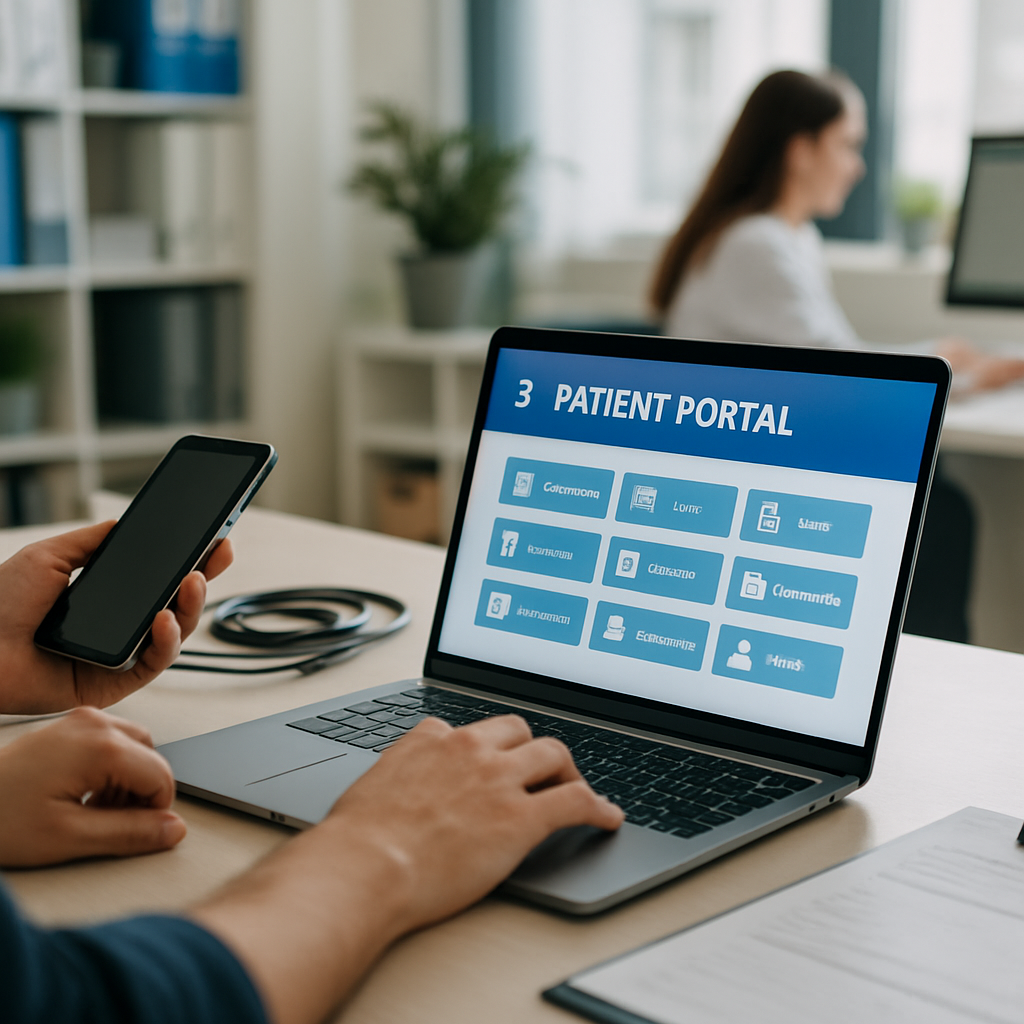
A good clinic patient portal is the difference between a practice that feels modern and one that feels like a fax machine wearing a lab coat. Patients want to book, message, pay, and see results without playing phone tag. And clinics want fewer no-shows, cleaner records, and staff who aren’t drowning in admin.
The problem is that most portals look impressive in a demo but flop in real life. Patients log in once, get confused, and go back to calling the front desk. So let’s talk about the features that actually get used, and why they move the needle on engagement.
Why a Clinic Patient Portal Actually Matters in 2026
Patient expectations shifted hard after the telehealth boom. People now compare their doctor’s app to their banking app, and if the clinic patient portal feels clunky, they notice. According to HealthIT.gov, portals are one of the strongest tools for improving patient outcomes and satisfaction, but only when patients actually log in and use them.
That last part is the whole game. Adoption is where most clinics lose. A portal with 8% login rates isn’t a portal, it’s a very expensive database. So the features below focus on what pulls patients in and keeps them there.
1. Frictionless Self-Scheduling with Real-Time Availability
If a patient has to create an account before they can even see open slots, you’ve already lost half of them. Let them view availability first, pick a time, then register. That one flip in order can double booking completions.
Show real openings from your practice management system, not a "we’ll call you back" form. Filter by provider, location, visit type, and insurance. A strong clinic patient portal treats scheduling like OpenTable, not like a DMV appointment.
Bonus points for a waitlist feature that texts patients when a slot opens up. Cancellations become revenue instead of dead time.
2. Two-Way Secure Messaging That Doesn’t Feel Like Email
Patients hate portal inboxes that look like Outlook from 2009. Give them threaded conversations, read receipts, and typing indicators. Basically, make it feel like texting, but HIPAA-compliant on the backend.
Route messages intelligently. Prescription refills go to the pharmacy team, billing questions go to billing, clinical questions go to the nurse triage queue. When patients get answers in hours instead of days, portal usage spikes.
Some of the same UX lessons from consumer apps carry over here. The same principles behind micro-interactions that boost user delight apply to healthcare messaging too. Tiny cues like "Dr. Nguyen is typing" build trust.
3. Lab Results with Plain-English Explanations
Dropping a PDF of lab values on a patient is not communication. Half the numbers will be Googled, and Google will convince them they’re dying. Instead, show each result with a normal range indicator, a green or yellow or red marker, and a short plain-English note from the ordering provider.
For borderline or abnormal results, add a "book a follow-up" button right in the result view. This is where a clinic patient portal earns its keep. Patients feel informed, and providers close the loop without extra calls.
4. Digital Intake Forms That Remember the Patient
Nobody wants to fill out the same medication list four times. Store intake data and pre-fill it on the next visit. Ask the patient to confirm changes instead of starting over.
Support photo uploads for insurance cards, IDs, and referral letters. Let patients complete forms on their phone the night before, not on a clipboard in the waiting room. Front desk staff will thank you, and check-in times drop by 40% or more.
Progressive disclosure matters here. Show only the fields relevant to that visit type. If you want more on that pattern, our take on onboarding UX wins for user activation covers it well.
5. Integrated Telehealth Without a Separate App
Telehealth adoption tanks when patients have to download Zoom, then a separate patient app, then remember three passwords. Bake video visits directly into the clinic patient portal. One login, one button, done.
Include a pre-visit tech check that tests camera, mic, and connection five minutes before the appointment. Add a virtual waiting room where the patient can see their spot in line. These small touches cut no-shows for virtual visits by a huge margin.
6. Transparent Billing and One-Tap Payments
Medical billing is where patient trust goes to die. Show itemized charges, what insurance paid, what’s left, and why. If a claim is still processing, say so with a clear timeline.
Offer saved payment methods, payment plans, and one-tap pay through Apple Pay or Google Pay. Auto-pay for recurring balances is a quiet winner. Practices using auto-pay collect 20 to 30% more of patient responsibility, and the portal becomes the place patients actually want to log into.
7. Smart Reminders That Learn Patient Preferences
Not everyone wants a text at 8am. Some want email, some want a push notification the night before, some want a call from a human. Let patients choose channel and timing during signup, and adjust based on what they actually respond to.
Layer in AI to predict who’s likely to no-show and escalate reminders for those patients. This kind of prediction pairs beautifully with the tactics in AI predictive analytics for smarter clinics, where the goal is to spot risk before it costs you a slot.
The right cadence keeps patients engaged without feeling nagged. Wrong cadence and they mute your notifications forever.
8. Family and Caregiver Access with Granular Permissions
A huge chunk of appointments are managed by someone other than the patient. Parents booking for kids, adult children managing aging parents, spouses juggling family schedules. Your clinic patient portal needs proxy access that’s easy to grant and easy to revoke.
Set permission levels. A parent of a 15-year-old sees appointments but not confidential mental health notes. An adult child managing a parent’s dementia care sees everything. Get this wrong and you’ll face HIPAA complaints. Get it right and you’ll capture the caregiver market, which is enormous and loyal.
9. A Personal Health Dashboard That Shows Progress
Patients don’t just want records, they want a story. Show weight trends, blood pressure over time, A1C history, medication adherence, and upcoming preventive care due dates. Make it visual and simple.
Gamify slightly for chronic care patients. A "your blood pressure has stayed in target range for 6 weeks" nudge does more for behavior than a lecture. This is the same retention psychology behind fitness app features that drive user retention, and it works just as well in a clinical setting.
The dashboard is what turns a portal from a utility into a habit.
Building or Rebuilding a Clinic Patient Portal
Two paths usually work. Either extend your existing EHR’s portal with custom modules, or build a patient-facing app that syncs cleanly with the EHR through FHIR APIs. The second option gives you far more design control, which matters if adoption is your bottleneck.
Whichever way you go, prioritize mobile. Over 70% of portal logins happen on phones. If your portal isn’t a real mobile experience, you’re leaving engagement on the table.
Security is table stakes. Multi-factor authentication, encrypted messaging, audit logs, and role-based access. HIPAA is the floor, not the ceiling. Build like a breach could happen tomorrow, because for someone in the industry, it did.
Wrapping Up
A great clinic patient portal isn’t a checklist item, it’s the front door of your practice for most patients now. The nine features above (self-scheduling, secure messaging, plain-English results, smart intake, integrated telehealth, transparent billing, adaptive reminders, caregiver access, and a personal health dashboard) all point at the same goal: make patients want to come back to the portal without being forced.
Get those right and engagement stops being a metric you chase. It becomes the natural outcome of a product patients actually enjoy using. If you’re planning a build or a rebuild, start with the two or three features your patients complain about most, ship those well, then expand. That’s how a clinic patient portal becomes something patients recommend to their friends.
References
- HealthIT.gov, "What are patient portals?" https://www.healthit.gov/topic/health-it-and-health-information-exchange-basics/what-are-patient-portals
- HIMSS, Patient Engagement Resources, https://www.himss.org/
- ONC FHIR Standards for Patient Access, https://www.healthit.gov/topic/standards-technology/standards

