
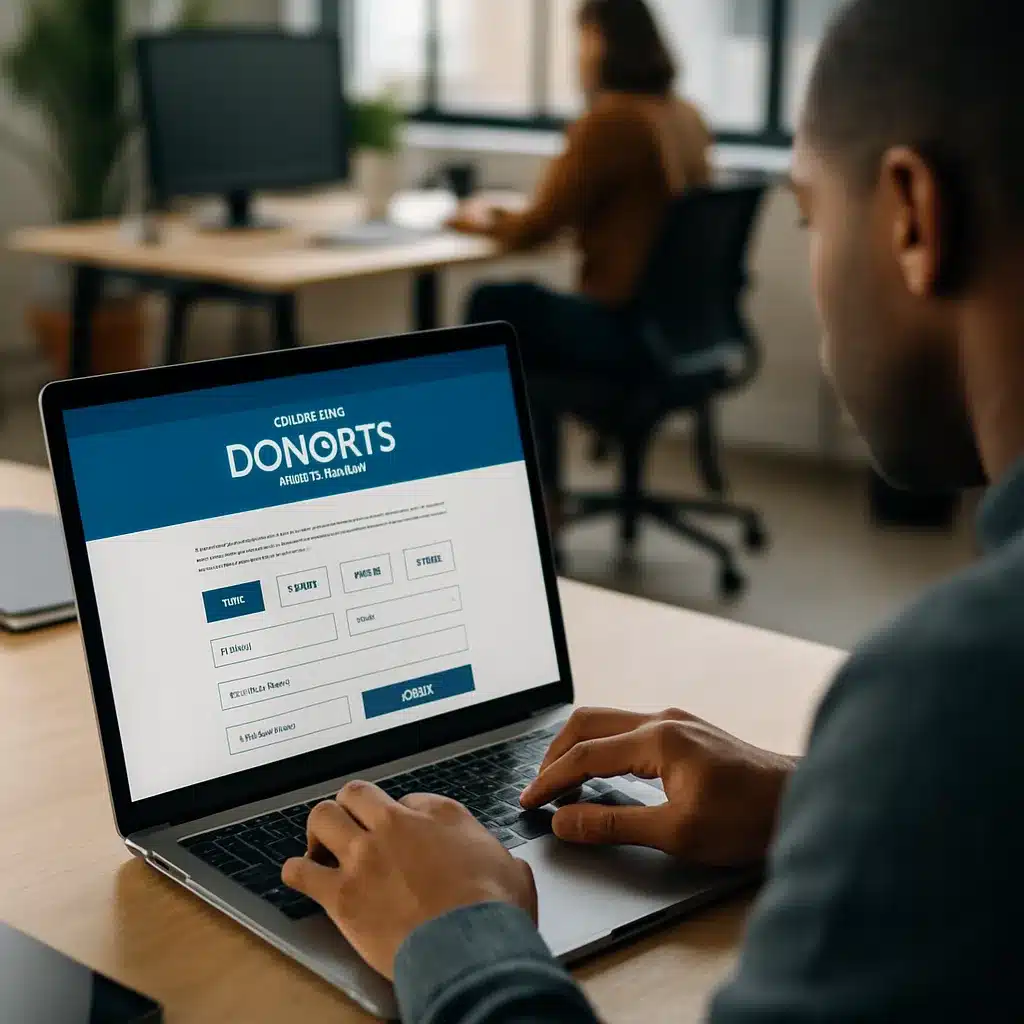
A nonprofit donation portal is one of those tools that quietly decides whether a cause thrives or stalls. A clunky checkout, a confusing receipt, a scary looking payment page, and the donor is gone. Build it right, and the same visitor becomes a monthly supporter who actually opens your emails.
I’ve helped teams rebuild giving flows that were leaking donors at every step. The pattern is almost always the same: good mission, bad plumbing. So let’s walk through what it really takes to ship a nonprofit donation portal that pulls its weight and earns trust from the first click.
Start With Why Donors Bounce
Before touching a design file, look at where people drop off. Most nonprofits lose giving traffic in three spots: the amount selection screen, the payment form, and the confirmation page. Each one has a different reason behind it.
Amount screens fail when the suggested gifts feel random. Payment forms fail when they ask for too much or look sketchy. Confirmation pages fail when they feel transactional instead of human. Fix those three, and conversion usually jumps double digits.
Also talk to donors. Actual humans. Five quick calls with people who gave last year will teach you more than any heatmap. Ask what almost stopped them and what made them click through anyway.
Core Features Every Nonprofit Donation Portal Needs
A solid nonprofit donation portal is more than a Stripe button. It’s a small product with real responsibilities: moving money, issuing legal receipts, protecting donor data, and feeding your CRM clean records.
Here are the pieces I consider non negotiable in 2026:
- One tap monthly giving toggle, not a buried checkbox
- Suggested amounts tied to real impact ("$45 feeds a family for a week")
- Apple Pay, Google Pay, PayPal, bank transfer, and card
- Cover the fees option, pre selected but easy to uncheck
- Automatic tax receipts emailed within 60 seconds
- Donor dashboard to update card, pause giving, or change amount
- Tribute and memorial gift flows with a notification email
- Employer match lookup (Benevity or Double the Donation API)
- Multi currency support if you fundraise internationally
- Clean admin reporting that your finance person doesn’t hate
If you’re missing more than two of these, you’re leaving money on the table. The donor dashboard alone cuts "cancel my card" support emails by half, because people can self serve.
The Trust Signals That Actually Move the Needle
Trust is the whole game. A nonprofit donation portal that looks even slightly off will tank conversion, no matter how good the cause is. The visual cues matter as much as the technical ones.
Put your EIN and 501(c)(3) status in the footer of the giving page. Show a padlock icon next to the card fields. Display Charity Navigator, Candid, or GuideStar badges if you have them. Add a short line like "Secured by Stripe. We never store your card." These tiny touches reduce hesitation at the exact moment people second guess.
Testimonials from real donors work too. One quote with a photo and a first name beats a wall of marketing copy. The same logic that drives checkout UX wins for e-commerce applies here, because giving is essentially emotional checkout.
Payment Processing and Compliance Done Right
Picking a payment processor sounds boring until you realize it decides your fees, your payout speed, and your PCI scope. For most US nonprofits, Stripe or Braintree with a nonprofit discount is the sweet spot. Both will drop their rate if you ask and show your 501(c)(3) letter.
Keep your nonprofit donation portal PCI DSS SAQ A compliant by never touching raw card data. Use hosted fields or Stripe Elements so the card number lives inside an iframe on their servers. This shrinks your audit scope from a nightmare to a short questionnaire.
For international giving, check Donorbox, Give Lively, or a custom build with Stripe Connect. If you’re accepting crypto, go through The Giving Block so you’re not holding volatile assets. For data protection standards, the IRS guidance on charitable contributions is worth bookmarking for your receipt templates.
Mobile First, Always
More than 60% of giving traffic in 2026 comes from phones, and that number climbs on year end and disaster response days. If your nonprofit donation portal is not thumb friendly, you’re losing the majority of potential gifts.
Design the mobile flow first, then scale up. Keep the amount buttons huge. Use the native number keyboard for custom amounts. Trigger Apple Pay or Google Pay before the card form even loads. One tap giving on mobile can push conversion past 8%, which is wild compared to typical web form rates.
Test on an actual old iPhone with a slow connection. If it feels sluggish, your donors in rural areas or on older devices are bouncing. Performance is a trust signal too.
Backend, CRM, and Reporting
Your giving portal is useless if the data lands in a spreadsheet nobody reads. Connect it to your CRM from day one. Salesforce NPSP, Bloomerang, Little Green Light, Virtuous, and Keela all have decent webhooks or native integrations.
Every gift should push the donor, amount, campaign source, UTM parameters, and payment method into the CRM automatically. Tag recurring donors so staff never ask them for a one time gift again (nothing worse than a $50 a month donor getting a cold acquisition email).
Build a simple weekly report that shows new donors, lapsed donors, and recurring churn. The right dashboard turns gut feel fundraising into something you can actually steer. If you’re a small team without a tech lead, this is where a conversation about hiring a fractional CIO style advisor can save months of thrashing, even nonprofits benefit from that model.
Security, Hosting, and Keeping Donors Safe
A breach at a nonprofit is uniquely damaging because donor trust is the only currency you have. Protect your nonprofit donation portal with the basics: HTTPS everywhere, WAF in front (Cloudflare works great on the free tier), rate limiting on form submissions, and bot protection like Turnstile or hCaptcha.
Rotate API keys every quarter. Use environment variables, never commit them. Give staff accounts the minimum role they need, and turn on 2FA for every admin login. If you store any donor PII in your own database, encrypt it at rest.
For hosting, Vercel, Netlify, or AWS Amplify handle the frontend painlessly. For the backend, a small managed Postgres on Render or Supabase is plenty for most orgs under $5M in annual giving. The same phishing prevention playbook that other industries use applies directly to nonprofit staff, because gift officers are prime targets for wire fraud scams.
Launch, Test, and Iterate
Don’t launch a nonprofit donation portal and walk away. The first 30 days are for watching sessions, reading support tickets, and fixing the top three friction points. Hotjar or Microsoft Clarity recordings are gold here.
Run A/B tests on suggested amounts, button copy, and the "cover the fees" default. Small changes compound. One org I worked with lifted average gift size 22% just by moving suggested amounts from $25/$50/$100 to $35/$75/$150 with impact labels.
Add a soft year end push, a monthly giving upsell on the thank you page, and a lapsed donor win back flow. These three alone usually pay for the whole rebuild inside a year.
Wrapping Up
A nonprofit donation portal is not a side project. It’s your primary revenue tool, and donors can tell within three seconds whether it deserves their money. Invest in the trust signals, the mobile flow, and the backend plumbing, and you’ll see the difference in both dollars raised and donor retention.
Build it like a real product, maintain it like one too, and your mission gets the fuel it actually needs.
References
- IRS Charitable Contributions Guidance: https://www.irs.gov/charities-non-profits/charitable-contributions
- Stripe Nonprofit Pricing: https://stripe.com/nonprofits
- PCI Security Standards Council (SAQ A): https://www.pcisecuritystandards.org/
- M+R Benchmarks Report (annual nonprofit digital data): https://mrbenchmarks.com/

