
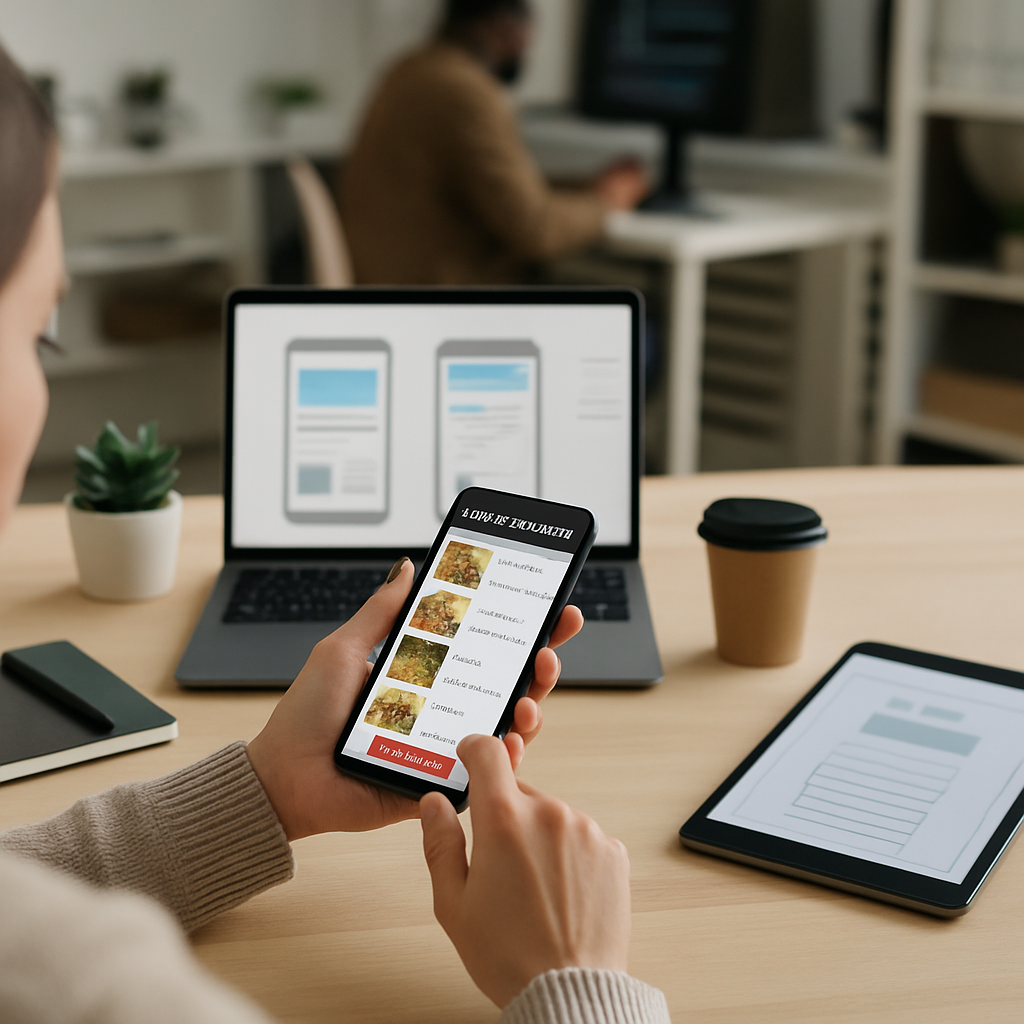
The right restaurant mobile app features can turn a hungry scroll into a placed order in under sixty seconds. That is the whole game. Diners today expect their favorite pizza spot, ramen bar, or neighborhood café to feel as smooth on the phone as ordering a rideshare, and every extra tap you force on them costs real money.
I have watched small restaurant owners obsess over menu design and interior lighting while their app crashes at checkout. Meanwhile, chains that got the digital piece right are pulling 40% of revenue through mobile. If you run a restaurant, a food truck, or a small chain, this is where your next growth chapter lives.
Below are nine restaurant mobile app features that consistently move the needle, backed by what actually works in kitchens right now.
Why Restaurant Mobile App Features Matter More Than Ever
According to the National Restaurant Association’s State of the Industry report, digital ordering continues to grow faster than dine-in traffic, and off-premises sales now account for a huge slice of total restaurant revenue. Diners under 40 especially prefer ordering through an app over calling or standing at a counter.
Here is the thing though. A generic app built from a template will not save you. The restaurant mobile app features you choose, and how they fit together, decide whether a customer taps "order again" or deletes you after one bad experience.
1. Frictionless Menu Browsing With Real Photos
If your menu is a wall of text, you have already lost. Diners eat with their eyes first, and phone screens are unforgiving of tiny, poorly lit food shots.
Invest in real photography for your top 20 items. Group items into clear categories like Starters, Mains, Sides, and Drinks. Add short, honest descriptions. Two lines. Not a novel.
Filters matter too. Vegan, gluten-free, spicy, under 500 calories. Let people find what they can eat in three seconds.
2. Smart Customization That Does Not Break the Kitchen
Every good order flow lets customers tweak their meal, but great restaurant mobile app features guide those tweaks so the kitchen does not implode during a Friday rush.
Offer clear modifiers with realistic limits. "Add up to 3 toppings." "Choose one protein." Show upcharges immediately so the total does not surprise anyone at checkout. Ghost the options that are 86’d tonight instead of showing them in gray with an error later.
This is where solid mobile navigation UX design earns its keep. Customization screens are where most abandoned carts happen, and cleaner navigation cuts that drop-off dramatically.
3. One-Tap Reordering
The single most valuable feature for repeat customers. If someone ordered pad thai with extra peanuts last Tuesday, they want that exact thing again today with one tap.
Keep an "Order Again" section on the home screen. Save the last five orders. Include modifications. Let them edit before submitting if they feel adventurous.
Chipotle credits its reorder button for a huge chunk of digital revenue. It is not glamorous. It just works.
4. Geolocation and Curbside Pickup
Location awareness is one of the restaurant mobile app features that separates modern apps from the clunky ones. The app should know when a customer is nearby and prompt them to check in.
Curbside works like this. Customer places order. App detects arrival. Staff gets a ping. Food goes to the car. No calls, no confusion, no cold fries.
For multi-location restaurants, auto-selecting the nearest branch prevents the classic mistake of ordering to the wrong city. That happens more than you would think.
5. Loyalty Rewards Built Into the Flow
Punch cards belong in the drawer with rubber bands and takeout menus from 2014. A modern loyalty system tracks every order automatically and shows progress right on the home screen.
Points per dollar. Free item at a milestone. Birthday reward. Tier bonuses for regulars. The key is visibility. If customers cannot see they are two orders away from a free burrito, they will not push for it.
Starbucks basically built a bank on top of its loyalty program. You do not need to go that far, but the psychology is proven.
6. Secure, Saved Payments With Multiple Options
Checkout is where dreams die. If a hungry customer has to dig for a credit card at 7:45 pm, they will call the pizza place next door instead.
Support Apple Pay, Google Pay, saved cards, gift cards, and split payments. Tokenize everything. Never store raw card data on your servers, and use a PCI-compliant processor like Stripe or Square.
Security is not optional here. The same care that goes into protecting sensitive data in other industries, similar to the approach in phishing prevention for law firms, applies to restaurant apps handling thousands of transactions daily.
7. Real-Time Order Tracking
Once the order is in, tell the customer what is happening. "Received." "In the kitchen." "Out for delivery." "Two minutes away."
This one feature reduces support calls by huge margins. People do not call to complain about wait times when they can see the timer moving. It also builds trust, because opacity feels like being ignored.
Integrate with your delivery partners’ APIs, or better yet, run your own driver dispatch if you have the volume. Push notifications for each stage. Not too many. Nobody wants their phone buzzing every 90 seconds.
8. Personalized Recommendations Powered by AI
Your app knows what each customer orders, when, and how often. Use that. Suggest a matching side, a drink pairing, or a seasonal special that fits their taste profile.
A steady lunch salad customer might love a new grain bowl. A Friday-night pizza regular might upgrade to a family combo if you nudge them. This is the same recommendation logic that drives Amazon and Netflix, applied to guacamole.
Restaurants using AI-driven suggestions typically lift average order value by 10% to 20%. That adds up fast. Similar automation logic is transforming other verticals, like what we covered in AI inventory automation for retail stores, where prediction models handle what humans used to guess.
9. Table Booking and Waitlist Management
Not every visit is takeout. For sit-down restaurants, restaurant mobile app features should include reservation booking, waitlist signup, and even pre-ordering appetizers before arrival.
Let guests join the waitlist from home and get a text when their table is 15 minutes out. Show real-time availability across dining rooms, patios, and the bar. Allow group size adjustments up to a certain point.
This turns your slow Tuesdays into planned Tuesdays. Customers who commit ahead show up more reliably than walk-ins.
Bringing the Restaurant Mobile App Features Together
Individually, each of these restaurant mobile app features helps. Stacked together, they build a machine that runs on autopilot. A regular customer opens the app, sees their favorite meal ready to reorder, taps once, pays with Face ID, and tracks the driver to their door. Total time: 45 seconds.
That is the bar now. Not fancy animations. Not a rewards mascot. Just a fast, honest, useful ordering experience.
The restaurants pulling ahead in 2026 are the ones treating their app like a product, not a marketing afterthought. They test, they iterate, they read the crash reports. If yours has not been updated since 2023, you are leaving orders on the table every single night.
Whichever restaurant mobile app features you prioritize first, build them well and build them fast. The kitchen can only cook what the app lets people order.
References
- National Restaurant Association, State of the Restaurant Industry: https://restaurant.org/research-and-media/research/industry-statistics/state-of-the-restaurant-industry/
- Stripe Payments Documentation: https://stripe.com/docs/payments
- Apple Human Interface Guidelines, Mobile Ordering Patterns: https://developer.apple.com/design/human-interface-guidelines/

