
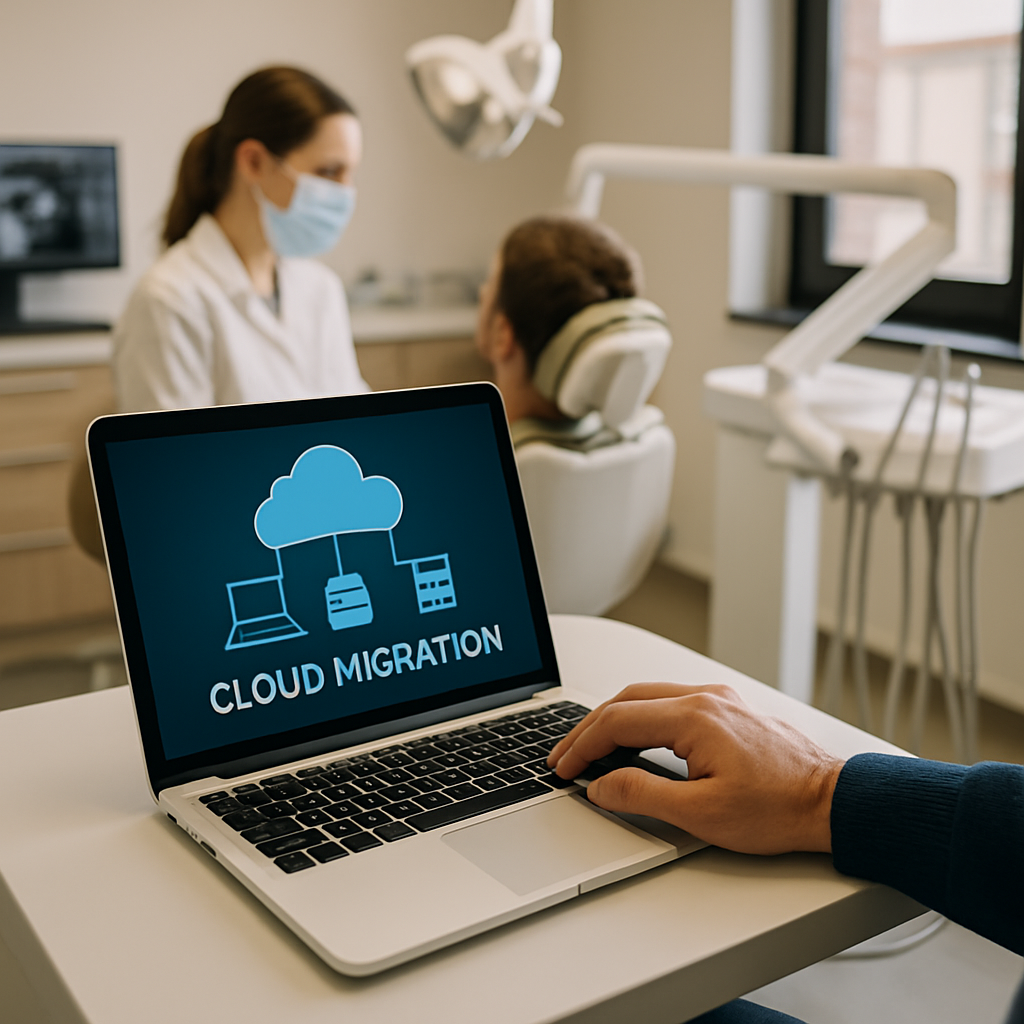
A well-planned dental cloud migration can quietly rewire everything about how a clinic runs, from the way X-rays load at the chair to how quickly a hygienist confirms tomorrow’s schedule. And yet, plenty of practices still run on aging servers stashed in a supply closet, quietly humming along until the day they don’t.
If your practice is thinking about making the jump in 2026, you’re timing it well. Cloud tools for dentistry have finally matured. Prices have dropped, integrations have improved, and HIPAA-ready hosting is far less of a headache than it was five years ago.
Here are seven wins worth chasing, plus what they actually look like day to day.
1. Real Patient Records Access, From Any Operatory
The first and most obvious win from dental cloud migration is location freedom. When your practice management software and imaging live in the cloud, any authorized device on your network can pull up a chart in seconds.
That matters more than it sounds. A hygienist can review perio notes from operatory three while a dentist glances at the same chart from the consult room. No syncing. No "let me go grab that from the front desk."
Multi-location practices feel this the most. A patient who normally sees your Scottsdale dentist can walk into your Tempe office and their entire history, including yesterday’s bitewings, is right there. That’s not futuristic anymore. It’s just table stakes.
2. Fewer Server Emergencies, Way Fewer
Ask any office manager about the last time a practice server died mid-morning. The panic is real. Appointments backed up, x-rays stuck in limbo, staff standing around while someone frantically calls IT.
Cloud infrastructure removes that single point of failure. Your provider handles redundancy, patching, and hardware refreshes. You handle dentistry.
A good dental cloud migration also means your backups actually work. On-premise setups often skip backup verification for months. Cloud platforms run integrity checks automatically, and most keep 30 to 90 days of restore points ready. If ransomware sneaks in through a phishing email, you can roll back to yesterday morning without paying anyone a dime.
3. Predictable Monthly Costs Instead of Capital Shocks
Traditional dental IT hits you in waves. A new server every five to seven years. Windows Server licensing. Backup appliances. Air conditioning for the closet. UPS batteries every couple of years. It all adds up, and it all lands at once.
Dental cloud migration flattens that curve. You pay a predictable monthly fee that scales with your needs. Add a new operatory, add a seat. Open a second location, spin up access in an afternoon.
For a solo practice, savings can be modest at first, maybe 10 to 20 percent over five years. For a growing DSO, the difference is significant. We’ve seen similar patterns in cloud cost optimization for SaaS startups, where predictable spend beats surprise capital outlays every time.
4. Stronger HIPAA Compliance Without the Headache
Here’s the part that keeps practice owners up at night. HIPAA fines have climbed steadily, and the Office for Civil Rights has been paying close attention to smaller practices in 2026. A single lost laptop with unencrypted patient data can trigger a five-figure penalty.
Reputable cloud providers bake compliance into the platform. Encryption at rest and in transit. Access logs. Automatic session timeouts. Multi-factor authentication. Business Associate Agreements ready to sign.
You still need staff training and policies, of course. Technology alone doesn’t make a practice compliant. But a proper dental cloud migration removes about 70 percent of the technical checklist and hands it to a vendor who does this every day. The HHS guidance on cloud computing and HIPAA is worth a read if you want the specifics.
5. Imaging That Actually Loads Fast
Dental imaging files are enormous. CBCT scans can hit a gigabyte or more. Panos and full mouth series aren’t small either. On an aging local network, opening a scan can take 30 seconds or longer, and that adds up across a busy day.
Modern cloud imaging platforms use progressive loading and smart caching. The image starts appearing almost immediately, sharpens as it downloads, and cached recent images open instantly. Doctors get more chair time. Patients wait less. Everyone’s happier.
The other upside is easy sharing. Sending a referral to an oral surgeon used to mean burning a CD or emailing a compressed file. Now it’s a secure link, opened on any device, with the full resolution intact.
6. Remote Work That Actually Works
You’d be surprised how much dental admin work doesn’t need to happen inside the building. Insurance verification, treatment plan follow-up, recall calls, billing questions, prior authorizations. All of it can happen from a laptop at home, if your systems allow it.
Dental cloud migration makes that possible without the security compromises of the old VPN-into-the-server approach. Staff log in through a browser or thin client, authenticate with MFA, and everything they need is there. Access logs show exactly who did what.
Practices we’ve talked to have used this to solve staffing problems creatively. One clinic hired a part-time treatment coordinator who lives two states away. Another built a pool of after-hours reception staff for evening call coverage. The old model made these things impossible.
7. Integrations That Compound Over Time
The last win is subtle but powerful. Once your core systems live in the cloud, adding new tools gets dramatically easier. Online booking that talks to your schedule. Two-way texting that logs to the chart. Automated recall campaigns. Insurance verification bots. AI-assisted charting.
Each integration is a small win on its own. Stacked together, they change what your team spends time on. Front desk staff shift from data entry to relationship building. Doctors spend more time treating and less time documenting.
If you’re building a practice website alongside your migration, this is where things get interesting. A modern site can pull real appointment availability, accept new patient intake, and hand off to your PMS automatically. Practices using patterns similar to telemedicine app features that drive patient loyalty are seeing 20 to 30 percent lifts in new patient conversions.
How to Actually Plan Your Dental Cloud Migration
The mistake most practices make is treating this as an IT project. It isn’t. It’s an operations project with an IT component.
Start by mapping your current workflows. Where does information get stuck? Where do staff waste time hunting for things? Where do patients experience friction? Those pain points are your migration priorities.
Then pick your platform carefully. The dental PMS market has consolidated, and each option has trade-offs. Curve, Dentrix Ascend, Denticon, Fuse, and Open Dental with cloud hosting all serve different practice sizes and philosophies. Talk to actual users, not just sales reps.
Budget for training. The technology part of dental cloud migration is usually smooth. The human part is where projects stall. Plan for at least two weeks of overlap where old and new systems run in parallel, and expect productivity to dip briefly before it climbs.
Finally, think about your other technology alongside this. Endpoint security, in particular, matters more once your data lives outside the building. The same principles from endpoint security wins for real estate agencies apply here. Every laptop and tablet that touches patient data needs proper controls.
Wrapping Up
A dental cloud migration isn’t a magic wand, and any consultant who tells you it is should be shown the door. It’s a shift in how your practice operates, one that pays back steadily over years rather than dramatically overnight.
Done right, it means fewer emergencies, happier staff, better patient experiences, and a practice that can grow without your IT closet setting the ceiling. Done poorly, it can create new headaches around downtime, training, and vendor lock-in.
The clinics winning in 2026 aren’t the ones with the fanciest chairs or the biggest marketing budgets. They’re the ones whose operations quietly hum along in the background, freeing doctors and teams to focus on patients. A thoughtful dental cloud migration is one of the fastest ways to get there.
References
- HHS Guidance on HIPAA and Cloud Computing: https://www.hhs.gov/hipaa/for-professionals/special-topics/health-information-technology/cloud-computing/index.html
- ADA Practice Management Resources: https://www.ada.org/resources/practice
- NIST Cloud Computing Standards: https://www.nist.gov/programs-projects/nist-cloud-computing-program-nccp

