
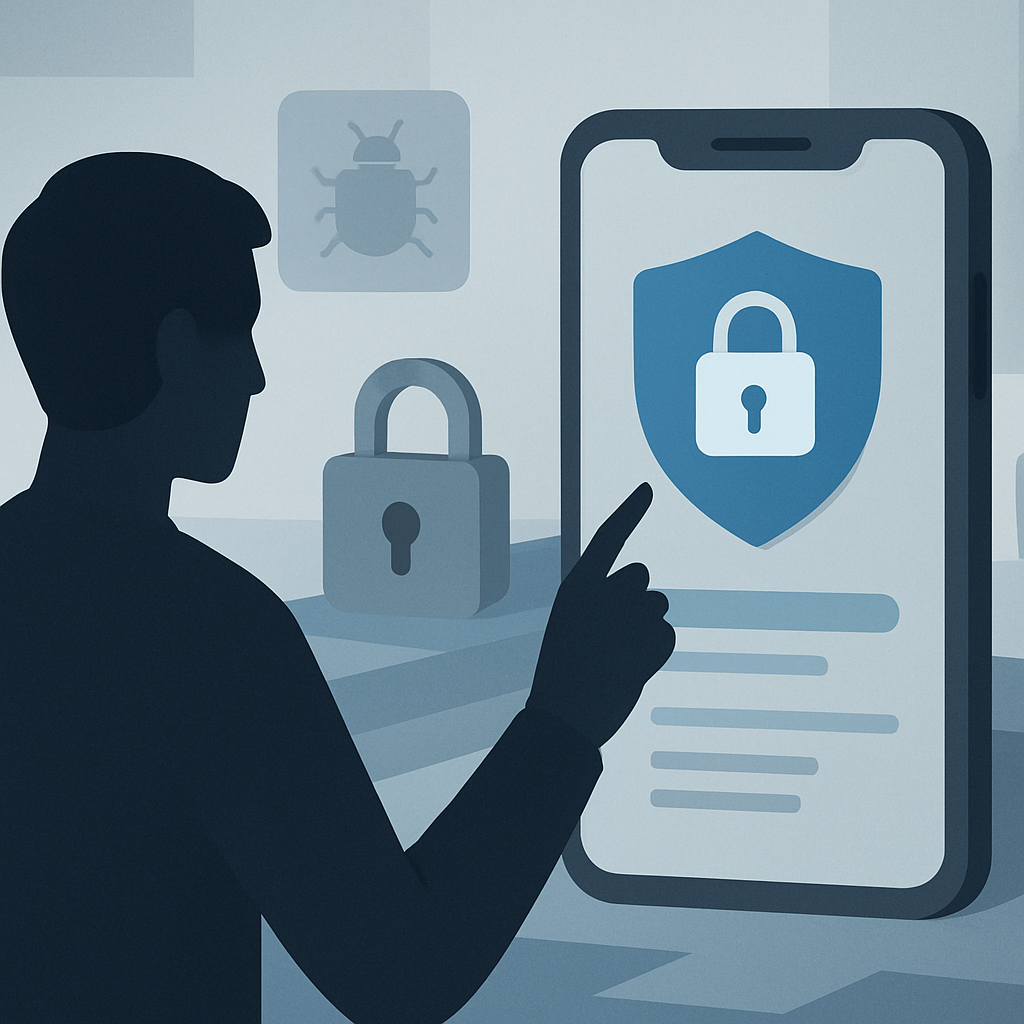
If you build apps for a living, mobile app security probably feels like that one chore you keep meaning to get around to. I get it. Shipping features pays the bills, and security feels invisible until something goes wrong. Then it goes very wrong, very publicly.
In 2026, the threat landscape looks different from even two years ago. Attackers are using AI to scan apps at scale, app stores are tightening their review processes, and users have grown skeptical after one too many data leak headlines. A single sloppy decision can cost you customers, ad revenue, and in some regions, a fine that makes your CFO cry.
So let’s talk about the seven mistakes I keep seeing teams make. Some are technical, some are cultural, and a few are just plain lazy. Fix these and you’ll already be ahead of most of the apps in the store.
1. Storing Sensitive Data on the Device Without Encryption
This is the classic. A developer needs to cache a user token, drops it in SharedPreferences or UserDefaults, and calls it a day. Then someone with a rooted phone (or just a stolen unlocked one) walks away with everything.
Strong mobile app security starts with treating the device as hostile territory. Use the platform keystore: Android Keystore on Android, Keychain Services on iOS. Never store passwords in plain text, and avoid keeping anything you don’t actually need.
If you must cache user data offline, encrypt it with a key tied to the device’s hardware. SQLCipher, Jetpack Security, and CryptoKit make this less painful than it used to be. There’s really no excuse anymore.
2. Trusting the Network You Can’t See
Public Wi-Fi at airports, cafes, conferences. Your users connect to all of it. If your app talks to a backend over plain HTTP, or even HTTPS without certificate pinning, you’re inviting a man-in-the-middle attack.
I’ve watched penetration testers intercept "secure" API calls in under five minutes using off-the-shelf tools. Certificate pinning isn’t perfect (it has its own operational headaches), but combined with TLS 1.3 and proper validation, it raises the bar a lot.
Also: stop sending sensitive data in URL query strings. URLs end up in server logs, browser history, and analytics tools. Use POST bodies with proper headers, and assume someone is reading your traffic.
3. Skipping Authentication Hardening
Username and password alone in 2026? That’s like locking your front door but leaving the windows open. Credential stuffing attacks are automated, cheap, and relentless. If your app handles anything more sensitive than a recipe collection, you need multi-factor authentication and intelligent session handling.
This is also where a zero trust approach to security really shines. Verify every request, not just the login. Short-lived tokens, refresh rotation, device fingerprinting, and anomaly detection on login patterns should be standard, not nice-to-haves.
Biometric auth (Face ID, fingerprint) is great for user experience, but remember it’s a convenience layer, not a replacement for proper token-based authentication on the backend.
4. Hardcoding Secrets in Your Code
You’d think this one died years ago. It didn’t. I still see API keys, AWS credentials, and even production database passwords sitting inside compiled APKs and IPAs.
Here’s the thing: anyone can decompile a mobile app in minutes. Tools like apktool, jadx, and Hopper turn your "compiled" code back into something readable. If your secret is in the binary, assume it’s already public.
Move secrets to your backend. Use short-lived tokens issued after authentication. If you absolutely need a key on the client, obfuscate it and rotate it often. Better yet, use the platform’s secure enclave for anything truly sensitive. Strong mobile app security depends on accepting that the client is untrusted, period.
5. Ignoring Third-Party SDK Risks
The average app today pulls in dozens of third-party libraries: analytics, crash reporting, ads, payment processors, social logins. Every one of them is code you didn’t write running with your app’s permissions.
When one of those SDKs gets compromised (and several have, spectacularly, in recent years), your app becomes the attack vector. The 2023 incident with a popular ad SDK that was quietly siphoning location data should still be giving us all nightmares.
Audit your dependencies regularly. Use tools like OWASP Dependency-Check or GitHub’s Dependabot. Read the SDK’s permissions and data collection practices, not just the marketing copy. And ask yourself: do I really need 14 analytics tools, or would two do the job?
This is also a place where smart IT outsourcing decisions matter. If you’re working with external dev teams, make sure they document every dependency they add. Surprises in your package.json are never the good kind.
6. No Runtime Protection or Tamper Detection
Your app is going to run on jailbroken phones, in emulators, and inside debugging tools. Sometimes that’s curious developers. Sometimes it’s someone trying to bypass your payment screen.
Runtime Application Self-Protection (RASP) detects when something’s off: a debugger is attached, the OS has been tampered with, code has been modified, or the app is running in an emulator. It then takes action, like alerting your backend, locking features, or shutting down.
You don’t need to build this from scratch. Tools like Guardsquare, Promon, and Approov handle the heavy lifting. The OWASP Mobile Application Security Testing Guide is also worth bookmarking; it’s the closest thing the industry has to a serious checklist. You can find it at owasp.org.
Mobile app security isn’t just about preventing breach at rest. It’s about making your app actively defend itself while running.
7. Treating Security as a Pre-Launch Checklist Item
This last one is more cultural than technical, but it might be the biggest mistake of all. Too many teams treat security as something you do once, right before submitting to the app store, then forget about until the next major release.
Threats evolve weekly. OS updates change permission models. New CVEs drop in libraries you depend on. If your security posture is frozen in time, it’s already outdated.
Build security into your development cycle. Run static analysis on every pull request. Do quarterly penetration tests. Set up bug bounties if your budget allows. And train your team, because most breaches still start with human error, not exotic exploits.
If you’re a smaller team or a startup figuring out where to invest, the same discipline applies even at the MVP stage of development. Baking security in early is dramatically cheaper than retrofitting it after you’ve got real users and real data to protect.
What Good Mobile App Security Looks Like in Practice
Let me paint a picture of an app doing this well. Login uses MFA with biometric unlock. Tokens are short-lived, stored in the secure enclave, and rotated automatically. All network traffic uses TLS 1.3 with certificate pinning and a fallback plan for cert rotation.
Sensitive data on the device is encrypted with hardware-backed keys. The app detects rooted devices, debuggers, and tampering, and degrades gracefully when it finds them. Dependencies are audited monthly. There’s a security champion on the dev team, and security reviews happen before, during, and after every release.
It sounds like a lot. It is, a bit. But honestly, most of these practices take longer to read about than to implement. The real barrier is prioritization, not technical difficulty.
Wrapping Up
The seven mistakes above account for the overwhelming majority of mobile app security incidents I’ve seen reported in the last few years. Plain-text storage, weak network handling, lazy authentication, hardcoded secrets, blind trust in SDKs, no runtime protection, and treating security as a one-time chore. Fix those, and you’ve eliminated most of the easy wins for attackers.
Your users won’t notice good mobile app security. That’s the point. They’ll just keep using your app, trusting your brand, and not showing up in news headlines next to phrases like "data breach affects millions." In 2026, that quiet trust is worth more than any feature you could ship.
References
- OWASP Mobile Application Security Project: https://owasp.org/www-project-mobile-app-security/
- NIST Mobile Device Security Guidelines: https://www.nist.gov/itl/applied-cybersecurity/nist-cybersecurity-framework
- Google Android Security Best Practices: https://developer.android.com/topic/security/best-practices
- Apple Platform Security Guide: https://support.apple.com/guide/security/welcome/web

