
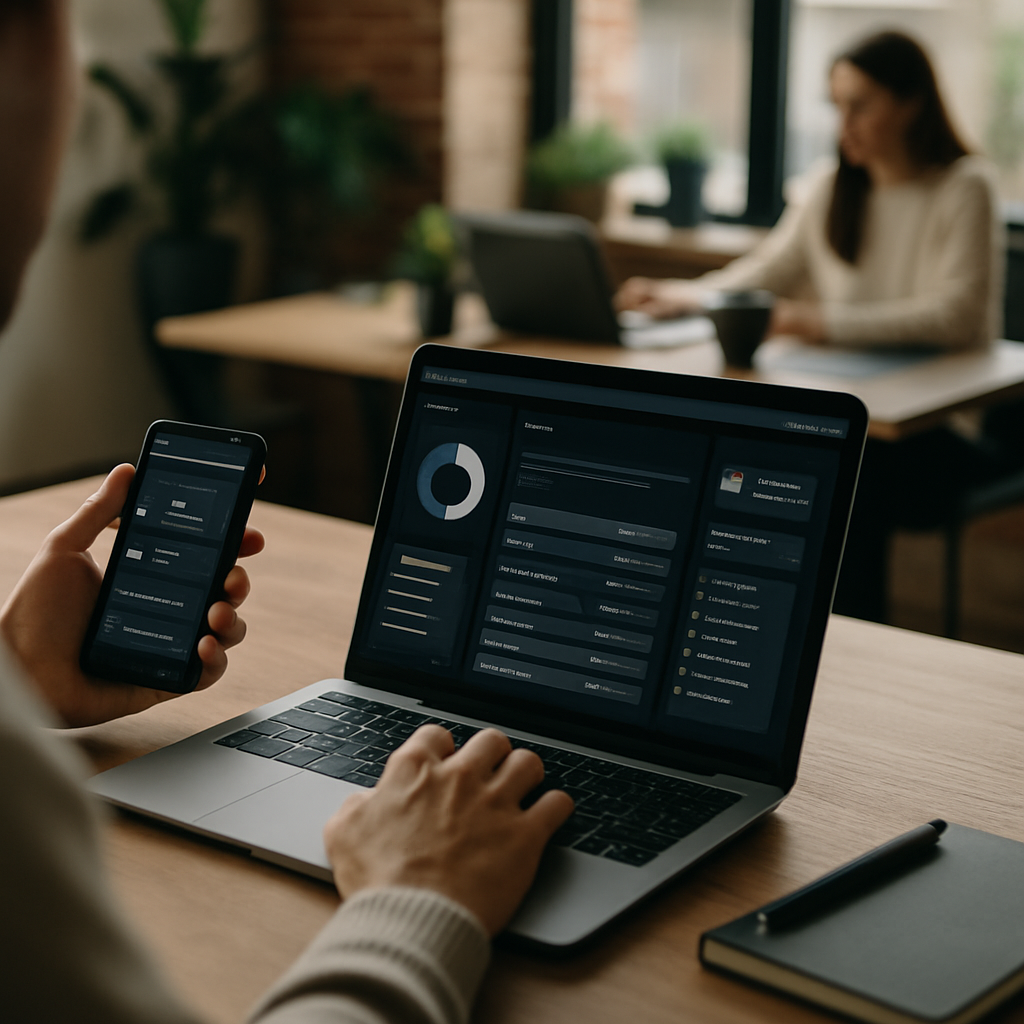
Dark mode UI design started as a niche preference and turned into something users actively look for before they even sign up. If your product still ships only a bright white interface in 2026, you’re leaving real engagement on the table. People scroll longer, tap more, and stay calmer when the screen isn’t blasting their eyes at midnight.
But dark mode isn’t just inverting colors and calling it done. Done poorly, it looks muddy, washes out brand identity, and makes text harder to read than the light version it replaced. Done well, it becomes one of the strongest retention levers you have.
Here are nine dark mode UI design wins worth stealing, with the reasoning behind each so you can apply them to whatever you’re building next.
1. Use True Dark Surfaces, Not Pure Black
Pure #000000 looks dramatic in mockups and terrible in practice. It creates harsh contrast that causes halation, where light text bleeds visually into the dark background, especially for people with astigmatism.
Material Design recommends a dark surface around #121212 as a baseline, and there’s a reason every major app landed near that value. It softens the contrast, keeps OLED battery benefits, and still feels distinctly dark.
If you want one quick win in your dark mode UI design, start here. Swap pure black for a near-black neutral and you’ll already see fewer complaints about eye fatigue.
2. Layer Elevation With Lighter Tones, Not Shadows
In light mode you use shadows to show what’s floating above what. In dark mode, shadows mostly disappear, so you need a new system. The fix is elevation through brightness: each layer up gets a slightly lighter surface tone.
A card sitting on your base surface might go from #121212 to #1E1E1E. A modal on top of that bumps to #242424. The user reads hierarchy instantly, without you painting awkward drop shadows that look like smudges.
This is the kind of small detail that separates polished apps from ones that feel like a half-finished theme.
3. Desaturate Your Brand Colors
Bright saturated colors that work beautifully on white become visually loud, sometimes painful, on a dark background. That neon brand pink suddenly vibrates against the dark surface.
The trick is to keep the hue but pull the saturation down by roughly 10 to 30 percent for dark themes. Your brand still reads as your brand, but it sits comfortably on screen instead of fighting for attention. The same logic applies whether you’re working on a SaaS dashboard or a consumer app, and it parallels the careful color decisions discussed in our breakdown of law firm website UX wins.
4. Mind Your Contrast Ratios
WCAG 2.2 still requires a minimum 4.5:1 contrast ratio for body text. Plenty of dark themes quietly miss this because designers use light gray on dark gray and call it "subtle."
Subtle is fine for decorative elements. For anything users need to actually read, hit at least 4.5:1, and aim for 7:1 on critical content. You can verify with the WebAIM contrast checker, which takes about ten seconds per color pair.
Skipping this step is the single most common mistake I see in early dark mode UI design reviews. It’s also the easiest to fix.
5. Rethink Imagery and Illustrations
A bright illustration with a pure white background dropped into your dark theme looks like someone turned on the lights mid-movie. Same with screenshots, charts, and stock photography.
For illustrations, build a dark variant with transparent backgrounds and adjusted line weights. For photography, add a subtle vignette or a slight overlay so images blend into the dark surface instead of punching out of it. Charts deserve their own attention: switch grid lines to low-opacity whites and recolor data series for the new background.
This is one of those wins that takes real effort but completely changes how premium the product feels.
6. Give Users an Auto Option That Actually Works
Forcing a manual toggle is fine. Giving users system-sync is better. The best dark mode UI design respects the operating system preference by default and lets users override it per-app if they want something different.
On the web, prefers-color-scheme makes this trivial in CSS. In native apps, every modern framework exposes the system setting. Build it as a three-option control: Light, Dark, System.
Skipping the system option feels lazy in 2026. Users notice.
7. Reduce Visual Noise in Dark Themes
Dark backgrounds amplify visual clutter. Dividers, borders, and background tints that looked tasteful in light mode start to feel like static.
Strip out borders you don’t actually need. Replace heavy dividers with whitespace or tonal shifts. Reduce the number of distinct surface colors to three or four max. Your interface gets quieter, and quiet interfaces convert better, which we also covered in our piece on e-commerce checkout UX wins.
The visual restraint pays off twice: less cognitive load and a more sophisticated look.
8. Test Dark Mode UI Design Across Real Devices
OLED, IPS LCD, mini-LED, and e-ink all render dark themes differently. What looks rich on a Pixel can look gray and washed out on an older iPad. What feels balanced on a calibrated monitor can look crushed and blotchy on a cheap Windows laptop.
Test on at least one OLED phone, one LCD phone, one laptop, and one external monitor before shipping. Watch for crushed blacks where details disappear, and for blooming where bright UI elements smear across dark areas.
This applies whether you’re building a consumer mobile app or a B2B dashboard. The same dark mode UI design that delights one user can frustrate another simply because of their hardware.
9. Animate State Changes Smoothly
The toggle from light to dark shouldn’t feel like a flashbang. Animate the transition over roughly 200 to 300 milliseconds, easing color and background changes together.
Same goes for hover states, focus rings, and active elements within dark mode. Subtle animation matters more in dark themes because the eye is more sensitive to sudden bright shifts. A button that snaps from dim to bright white feels jarring. The same button with a 150ms ease-in feels intentional.
These micro-interactions add up to something users can’t quite name but absolutely feel. The principle shows up across product design, from booking flows to feature design like our look at salon booking app features that drive repeat use.
Common Dark Mode UI Design Mistakes to Avoid
A few patterns trip up even experienced teams.
Inverting everything algorithmically: tools that auto-flip your CSS rarely produce a good dark theme. They invert images, mess up brand colors, and ignore the elevation system.
Using the same component library for both modes without customization: shadcn, Material, and Tailwind all give you dark tokens, but you still need to audit each component.
Forgetting form fields: input borders, placeholder text, and focus states often slip through QA because designers test in light mode and developers assume the framework handles the rest.
Ignoring accessibility for low-vision users: dark mode helps some users and hurts others. Always keep a high-contrast light alternative available.
Why Dark Mode UI Design Matters for Engagement
Dark themes correlate with longer session times in apps used in low-light environments, which now means most consumer apps after 7pm. They also reduce battery drain on OLED screens, which means users keep the app open longer without anxiety about charge.
There’s a brand angle too. Dark mode UI design signals that your team cares about detail. Users equate that polish with trustworthiness, and trust is the foundation of every engagement metric you track.
If you’re a local business trying to stand out, a dental clinic with a slick patient portal or a restaurant with an online ordering app, dark mode is one of those upgrades that costs little and signals a lot. Pair it with solid local visibility work and you get compounding returns.
Wrapping Up
Good dark mode UI design isn’t about looking edgy or chasing a trend that peaked years ago. It’s about giving users a calmer, more comfortable experience in the contexts where they actually use your product. The nine wins above are practical, testable, and produce measurable improvements in time-on-screen and return visits.
Start with the easy stuff: swap pure black for #121212, fix your contrast ratios, and add system-sync. Then layer in the harder wins like proper elevation, desaturated brand colors, and animated transitions. Within a release or two, your dark mode UI design will stop looking like an afterthought and start pulling its weight in user engagement.

