
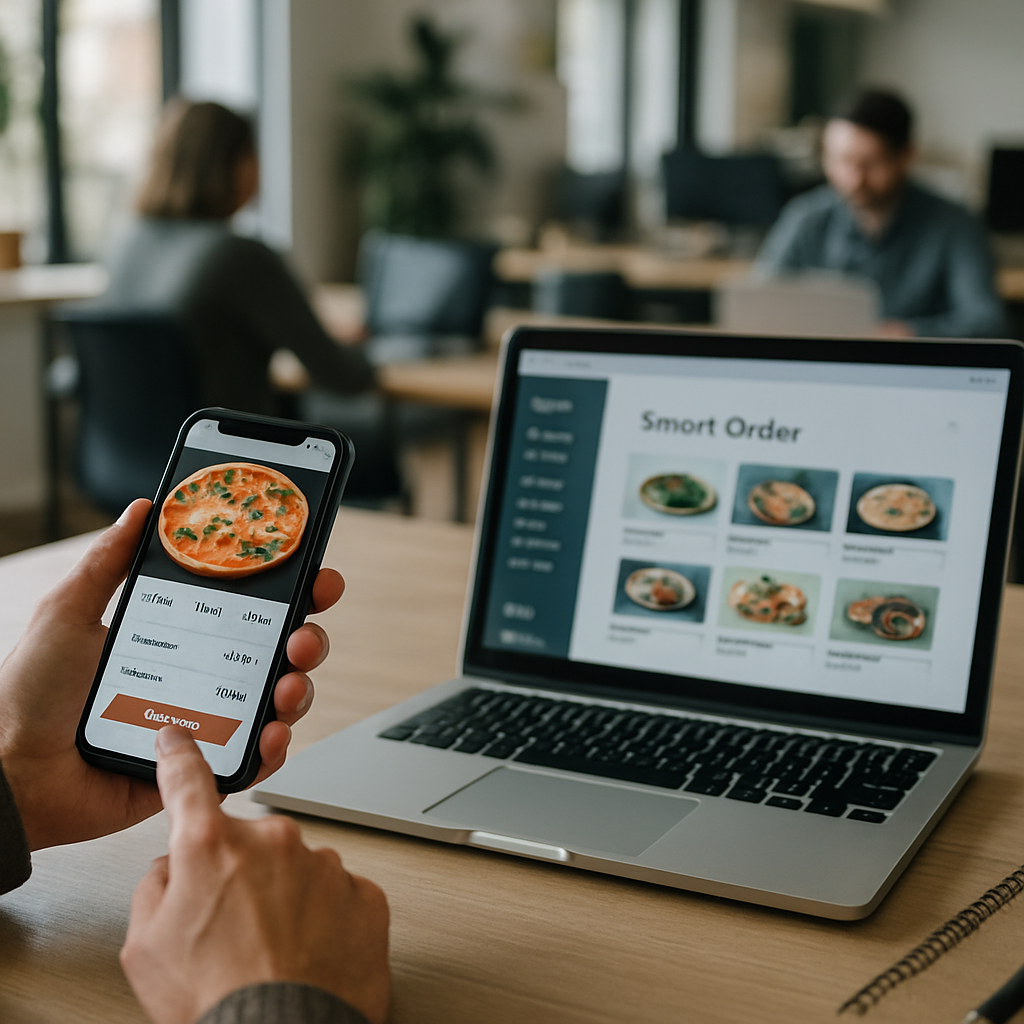
If your restaurant is still relying on third-party delivery apps to bring in orders, you’re losing margin on every plate. The right restaurant mobile app features can flip that math, turning casual diners into repeat regulars who order straight from you. I’ve watched small cafes double their weekly takeout volume after launching an app that actually respected the customer’s time.
The catch? Most restaurant apps are bloated, slow, or designed by someone who’s never worked a Friday dinner rush. Below are nine features that consistently move the needle, based on what I’ve seen work for everything from neighborhood pizzerias to multi-location chains.
Why Restaurant Mobile App Features Matter More Than Ever
Diners want speed and control. They want to reorder their usual lunch without scrolling through a 60-item menu. They want to know exactly when their food will be ready. And they really, really don’t want to call you.
A well-built app handles all of that quietly. It also gives you direct customer data, push notification access, and a way to run promotions without paying a 30% commission to a delivery middleman. The restaurant mobile app features I’m covering here are the ones that actually get used after the novelty wears off.
According to the National Restaurant Association’s State of the Industry report, digital ordering continues to be one of the strongest growth channels for operators in 2026. The restaurants winning that channel are the ones building tools customers prefer over Uber Eats.
1. One-Tap Reordering From Order History
This is the single highest-ROI feature you can build. A regular who orders the same chicken bowl every Tuesday should be able to repeat that order in two taps. No menu browsing, no customization screens, no fuss.
Tie reordering to a "favorites" list and a "recent orders" carousel on the home screen. You’ll see average order frequency climb within a month. Restaurants that put reorder front and center often see it become the top conversion path in the app.
2. Smart Menu Search With Filters
Long menus kill conversions on mobile. Add a search bar that handles typos and synonyms (someone typing "pop" should still find sodas). Then layer on filters for dietary needs: gluten-free, vegan, under 600 calories, spicy, kid-friendly.
This is one of the restaurant mobile app features that pays off most for restaurants with broad menus. Diners with allergies will pick your app over a competitor’s every time if you make their life easier.
3. Real-Time Order Tracking
People are anxious about food orders. Is it being made? Did it leave? Is the driver lost? A live status bar ("Cooking → Packed → Out for delivery → 6 min away") cuts support calls dramatically and improves the perceived experience even when timing is identical.
If you do your own delivery, integrate live driver location. If you partner with a third party, at least pull their status updates into your app so the customer never has to leave.
4. Loyalty and Rewards Built In
Punch cards are dead. A clean points system ("earn 1 point per dollar, free entree at 100") right inside the checkout flow drives serious repeat behavior. Show progress on the home screen so customers see how close they are to the next reward every time they open the app.
Tier the rewards if you want to push higher tickets. Free coffee at 50 points, free lunch at 150, free dinner for two at 400. The psychology of "I’m almost there" is powerful, and it’s the same dynamic that makes dental appointment app features so effective at driving repeat visits in healthcare. Customers stick with whoever makes the next interaction frictionless.
5. Group Ordering for Office Lunches
This one is underrated. Build a flow where one person starts an order, shares a link, and coworkers add their items to a shared cart. The host pays once, and the restaurant gets a single large ticket instead of five separate small ones.
Group ordering quietly captures the corporate lunch market, which has higher tickets and more predictable timing than retail customers. Some apps now let the organizer set a per-person budget cap, which is gold for office managers.
6. Scheduled Orders and Pickup Windows
Let customers order at 8 a.m. for an 11:45 pickup. This smooths your kitchen workload, reduces wait times at peak, and locks in revenue earlier in the day. It also matters for catering and family meals.
Pair scheduling with capacity limits per time slot. If you can only handle 12 pickups between 12:00 and 12:15, gray that slot out when it fills. Diners appreciate the honesty, and your kitchen avoids meltdowns.
7. Personalized Push Notifications
Generic blasts ("20% off today!") get muted fast. Segment your push messaging based on order history. Someone who orders weekday lunches gets a Monday morning nudge. Someone who hasn’t ordered in 30 days gets a "we miss you" with a small discount.
Restaurants that segment notifications can see open rates jump from around 4% to over 15%. That’s the difference between push notifications being annoying and being your most profitable marketing channel. Just like with Google Business Profile tactics, the relevance of the message decides whether it gets attention or ignored.
8. Apple Pay, Google Pay, and Saved Cards
Friction at checkout kills more orders than anything else. If your app makes someone type their full card number on a 5-inch screen at 7 p.m. while hungry kids tug at their sleeve, you’ve lost them. Support Apple Pay, Google Pay, and saved cards by default.
Also consider tip presets that adjust based on order size, and a clear total before the final tap. Hidden fees revealed at the last second are the number one reason for cart abandonment in food apps. The same UX rules that drive e-commerce checkout conversions apply here, maybe more so, because the customer is impatient and probably distracted.
9. In-App Feedback That Reaches a Human
A "rate your order" prompt that goes straight to a manager’s inbox (not just a star rating buried in analytics) is one of the most valuable restaurant mobile app features for operators. Bad reviews land privately before they hit Yelp. Good reviews can be redirected to public platforms.
Make the feedback flow optional and quick. A thumbs up or down with an optional comment box converts way better than a five-question survey. Respond to negative feedback within an hour and you’ll save more relationships than any discount campaign ever could.
Putting the Restaurant Mobile App Features Together
You don’t need to launch with all nine. Start with reordering, mobile payments, and loyalty. Add scheduled orders and personalized push once you have a few hundred regular users. Group ordering and advanced tracking come later, when you’ve got the operational muscle to support them.
Budget realistically. A solid native app for iOS and Android, with a custom admin dashboard, typically runs in the range you’d expect for any well-built mobile product. Cross-platform tools like Flutter can compress timelines if you’re cost-sensitive. Either way, plan for ongoing iteration, not a one-and-done launch.
The restaurants winning in 2026 treat their app the way SaaS companies treat their product: ship something solid, measure usage, kill what doesn’t work, double down on what does. The restaurant mobile app features that survive that process become the engine of your direct-to-customer business.
If you’re thinking about building one, pick a partner who’s shipped food and beverage apps before. The edge cases (combo customization, modifier groups, split tickets, tax-exempt orders) are where amateur builds fall apart. Get those right and your restaurant mobile app features will pay for themselves inside a year.
References
- National Restaurant Association, State of the Restaurant Industry 2026: https://restaurant.org/research-and-media/research/industry-statistics/state-of-the-restaurant-industry/
- Apple Developer, Designing for iOS: https://developer.apple.com/design/human-interface-guidelines/
- Google, Material Design for food and beverage apps: https://m3.material.io/

