
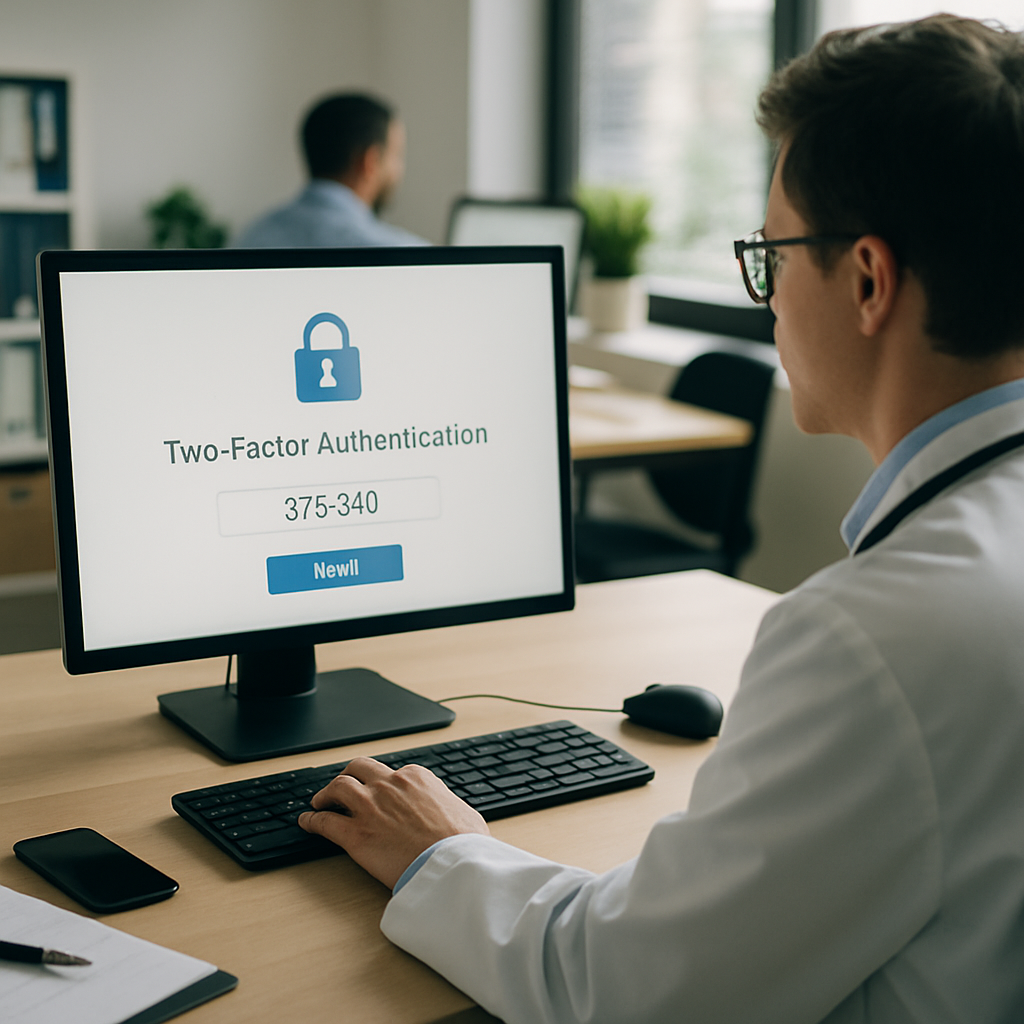
A smooth MFA rollout is one of the few security projects that pays for itself before the year is out. Clinics get hit with phishing and credential theft constantly, and a stolen password inside an EHR is a very expensive Tuesday. The tricky part is doing it without breaking morning rush, frustrating the front desk, or triggering a HIPAA audit finding.
I have watched small practices and multi-location groups run this project well, and I have watched a few run it badly. The gap between the two isn’t budget. It’s planning. Here are seven things the successful ones do differently.
1. Map Every Login Before You Touch a Single Account
Before your MFA rollout starts, sit down and list every system a clinician touches in a day. EHR. PACS. e-prescribing. lab portals. billing. secure email. the Wi-Fi they connect their phones to. Most clinics find 15 to 25 systems, and about a third of them don’t support modern MFA at all.
That inventory decides your sequencing. You want to protect the highest-risk logins first (EHR, admin accounts, remote access) and defer the low-risk ones so you don’t overwhelm staff. Skip this step and your MFA rollout will feel like whack-a-mole for six months.
Also flag any legacy apps that only support SMS codes. SMS is better than nothing, but the NIST digital identity guidelines have been steering people away from it for years. Plan to replace those systems on your two-year roadmap.
2. Pick Authenticator Apps Over SMS, Then Add Hardware Keys for Admins
The default choice for most clinicians should be an authenticator app like Microsoft Authenticator, Duo, or Okta Verify. Push notifications are fast, they work offline, and they’re harder to phish than a text message.
For the accounts that would end a clinic if compromised (IT admin, EHR super-user, billing manager, anyone with remote VPN into patient data) add a hardware security key. YubiKeys are the usual pick. They’re roughly $50 each and phishing-resistant in a way nothing else quite matches.
Tier your rollout accordingly. Regular staff get the app. Privileged accounts get the app plus a key. Break-glass admin accounts get two hardware keys stored in a locked safe. Yes, an actual safe. It matters when someone loses their phone at 6 a.m. on a Saturday.
3. Run a Real Pilot With the Grumpiest Provider You Know
Every MFA rollout needs a two-week pilot, and you want it to include your most skeptical physician. If she signs off, everyone else is easy. If she doesn’t, you find out what’s broken before it hits 80 employees.
Pick 8 to 12 people across roles. A front-desk person, a medical assistant, a nurse, two providers, a billing coder, an IT admin, and a remote worker if you have one. Give them a week of shadow mode where MFA prompts appear but don’t block login. Then flip it to enforced.
Track three things during the pilot: average login time added, help-desk tickets per person, and any workflow that breaks entirely. If login time jumps more than 4 seconds, something in your MFA rollout config is wrong.
4. Nail the Enrollment Day Logistics
This is where good projects fall apart. You cannot ask 60 people to enroll their phones during a normal clinic day. They will skip it, then get locked out mid-shift, and the help desk will melt.
Book two hour-long enrollment sessions per department, catered lunch, laptops ready, IT staff walking the room. Everyone leaves the session with the app installed, a backup method registered, and a recovery code printed and locked in HR. That last piece saves you constantly.
For your remote staff, run the same session on Zoom with a shared screen. Same rules apply. Nobody leaves without a working backup method. A strong dental clinic app rollout taught us the same lesson years ago: if enrollment isn’t a scheduled event, adoption stalls.
5. Build Realistic Session and Trust Policies
Here’s where clinics either love their MFA rollout or hate it. If every login prompts for MFA, staff will find workarounds within a week. Shared browsers, sticky notes, disabled screen locks, all of it.
Use conditional access. On a trusted, managed device inside the clinic network, extend the MFA session to 8 or 12 hours. On a personal device or off-network, require MFA every time and shorten the session to an hour. Any login from a new country or impossible-travel scenario, block and alert.
The point is friction where risk is high and smooth logins where risk is low. That balance is the difference between "MFA saved us" and "MFA drove three people to quit." Pair this with solid endpoint controls, similar to what a good retail endpoint security setup looks like, and your attack surface shrinks fast.
6. Document Recovery Paths Like Your License Depends on It
Someone will lose their phone. Someone will drop it in a sharps container (yes, really). A provider will get a new number and forget to update the account. Your MFA rollout needs recovery paths that don’t create new security holes.
Three rules. First, IT never resets MFA over the phone based on voice alone. Identity verification happens in person or on a video call with a photo ID on camera. Second, temporary bypass codes expire in 4 hours max, one use only. Third, every recovery event is logged and reviewed weekly.
Write this down. Train the help desk on it. Then run a tabletop exercise where "someone" calls in claiming to be a locked-out physician with an urgent chart to open. That’s exactly how social engineering attacks against clinics start.
7. Measure, Report, and Keep Iterating
Ninety days after full deployment, pull the numbers. How many MFA challenges were issued. How many were denied. How many accounts have exceptions still active. How many recovery events happened, and were any suspicious.
Share a one-page report with clinic leadership every quarter. Include the money saved on cyber insurance (most carriers now discount 5 to 15 percent for enforced MFA) and any blocked login attempts. Leadership will fund the next phase when they see numbers.
Then keep going. Add passwordless sign-in for staff who want it. Move any SMS-only holdouts to app-based codes. Rotate hardware keys every three years. The MFA rollout isn’t a one-time project, it’s a program that gets tighter every year, much like the ongoing work in a law firm disaster recovery plan.
What a Good MFA Rollout Actually Feels Like
Six months in, a good MFA rollout is invisible to staff. They tap a notification twice a day, they don’t think about passwords much, and they stop getting phishing emails that trick them because the phish can’t complete the login anyway. IT gets one recovery ticket a week instead of six.
Cyber insurance premiums drop. The HIPAA risk analysis reads a lot better. And when the inevitable breach attempt happens (and it will, clinics get probed constantly) it fails at the front door instead of walking straight into your patient database.
That’s the whole game. A thoughtful MFA rollout isn’t about buying the fanciest tool. It’s about sequencing, communication, and treating your staff like adults who have real jobs to do. Get those three right and every other security project gets easier.
If you need help planning the MFA rollout, running the pilot, or picking the right identity platform for your EHR stack, that’s the kind of work our team does every week. Reach out and we’ll walk through your current setup.
References
- NIST Special Publication 800-63B, Digital Identity Guidelines: https://pages.nist.gov/800-63-3/sp800-63b.html
- HHS HIPAA Security Rule Guidance: https://www.hhs.gov/hipaa/for-professionals/security/guidance/index.html
- CISA Multi-Factor Authentication Fact Sheet: https://www.cisa.gov/resources-tools/resources/multi-factor-authentication-mfa

